githubでコードを読むことも多いので、emacsのthemeもgithub風に寄せようと思う。
github風のthemeはいくつか配布されていが、最近のgithub themeっぽくなかったので、ef-themesをベースに設定していく。
https://github.com/protesilaos/ef-themes/tree/main https://github.com/protesilaos/modus-themes/tree/main
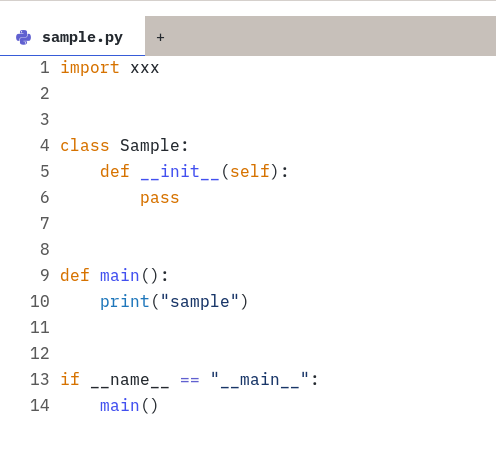
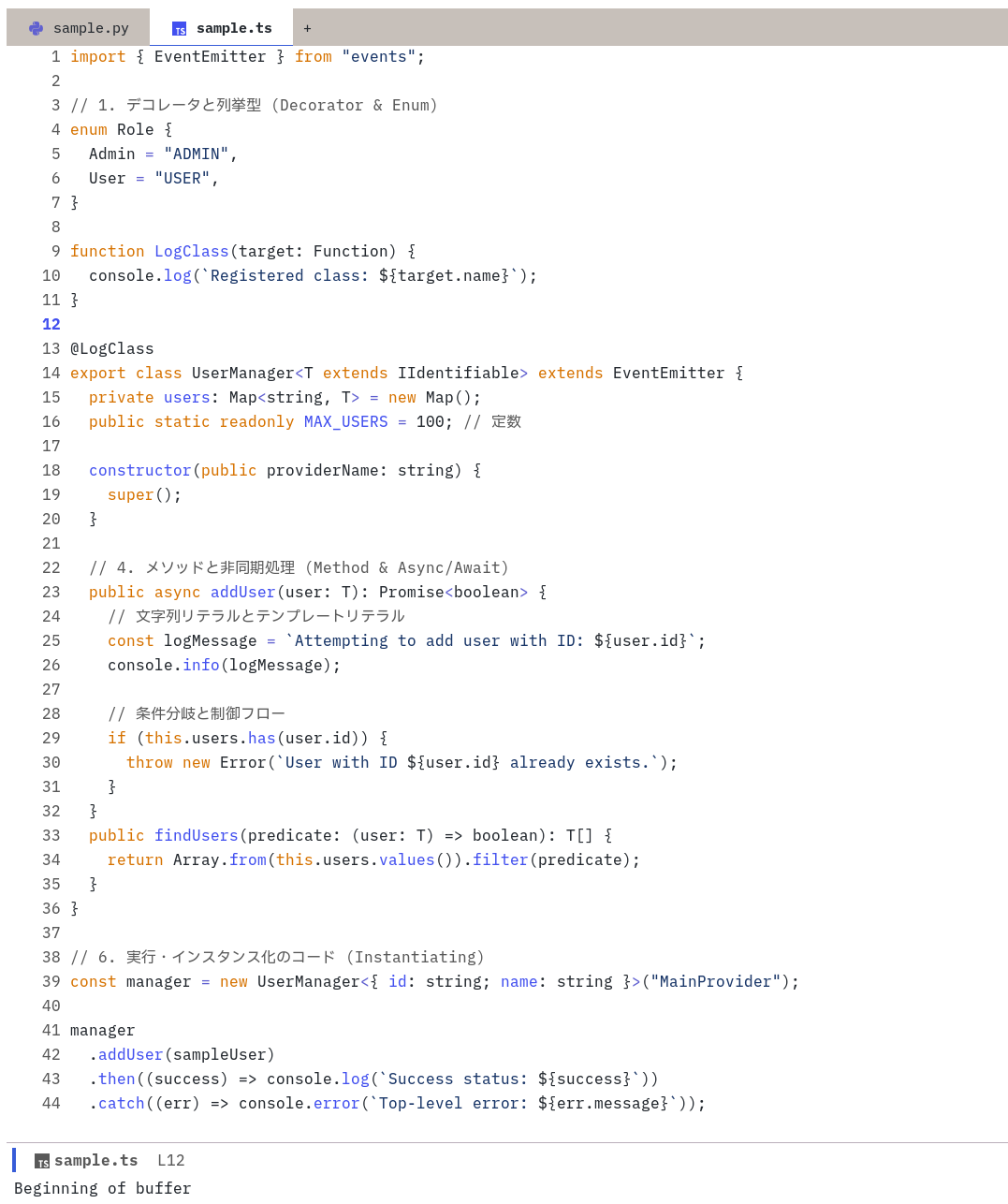
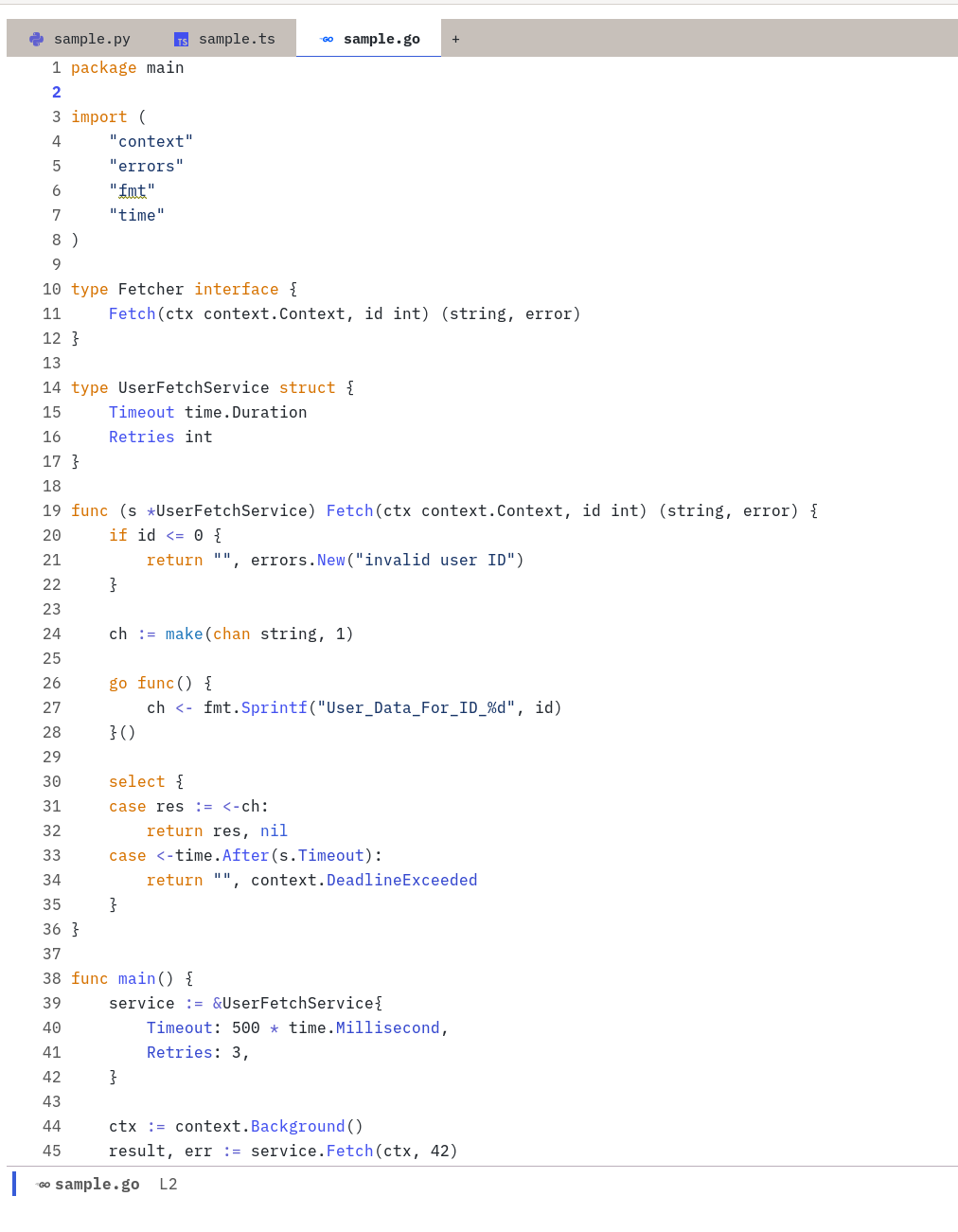
preview
設定しきれない部分もありつつ、まぁまぁ近づいたはず
python
typescript
golang
設定サンプル
(setq github-theme-palette '(
          ;; Basic value
          (bg-main          "#ffffff")
          (bg-dim           "#f2f2f2")
          (fg-main          "#24292f")
          (fg-dim           "#595959")
          (fg-alt           "#193668")

          ;; (bg-active        "#c4c4c4")
          ;; (bg-inactive      "#e0e0e0")
          ;; (border           "#9f9f9f")

          ;; Uncommon accent foregrounds
          ;; (orange           "#bc4c00")
          (orange           "#D67200")
          (yellow-light     "#fff8c5")

          ;; Special purpose
          (bg-region         yellow-light)
          (bg-tab-current    bg-main)
          (bg-tab-bar        bg-active)
          (bg-tab-other      bg-active)

          ;; Code mappings
          (comment           fg-dim)
          (operator          blue-faint)
          (keyword           orange)
          (variable          fg-main)
          (type              fg-main)
          (property          blue-warmer)
          (string            fg-alt)
          (fnname            blue-warmer)

          ;; General mappings
          (cursor            fg-dim)
          ))

(use-package ef-themes
  :ensure t
  :config
  (setq ef-themes-mixed-fonts t
        ef-themes-variable-pitch-ui t)
  (modus-themes-load-theme 'ef-duo-light)
  (custom-set-faces
   '(font-lock-property-use-face ((t (:foreground "#3548cf"))))
   '(corfu-default ((t (:background nil))))
   '(corfu-current ((t (:background nil))))
   '(corfu--cbar ((t (:background nil))))
   )
  :custom
  (ef-duo-light-palette-overrides github-theme-palette)
  )
設定の確認
ef-themesではthemeごとにパレットが設定してある。
例えば、ef-duo-lightは以下のように設定されている
(defconst ef-duo-light-palette-partial
  '((cursor "#1144ff")
    (bg-main "#fff8f0")
    (bg-dim "#f6ece8")
    (bg-alt "#e7e0da")
    ...
https://github.com/protesilaos/ef-themes/blob/main/ef-duo-light-theme.el
これをベースに、bg-mainやbg-dimの色を設定していくことにする。この方法が正攻法なのかは不明。
このパレットがどのようにfaceに対応しているかは、modus-themesに実装を見る。 modus-themesでは、bg-mainやcommentを各faceに色を設定している。
例えば、modus-themesのconsultは以下のようになっている。
;;;;; consult
    `(consult-async-split ((,c :foreground ,err)))
    `(consult-file ((,c :inherit modus-themes-bold :foreground ,info)))
    `(consult-highlight-mark ((,c :background ,bg-search-static :foreground ,fg-search-static)))
    `(consult-highlight-match ((,c :background ,bg-search-static :foreground ,fg-search-static)))
    `(consult-imenu-prefix ((,c :foreground ,fg-dim)))
    `(consult-key ((,c :inherit (bold modus-themes-fixed-pitch) :foreground ,keybind)))
    `(consult-line-number ((,c :foreground ,fg-dim)))
    `(consult-line-number-prefix ((,c :foreground ,fg-dim)))
    `(consult-preview-insertion ((,c :background ,bg-dim)))
https://github.com/protesilaos/modus-themes/blob/main/modus-themes.el#L4856
したがって、ベースのパレットを設定するとその他のfaceもいい感じに設定されるので、パレットをいい感じに設定していく。
基本的には、上記の設定サンプルの例で上げたような、bg-mainやbg-dimやCode mappingsの部分を設定すると概ね設定されるはず。
細かい部分はfaceを確認しつつ調整する。
例えば、typescriptのあるクラスにカーソルを当てて、M-x describe-font or M-x describe-charでどのfaceが設定されているか確認できる。